Construction Management Software Modules for Builders & Contractors
Site Expensify brings your project progress, expenses, purchases, inventory, and site teams onto one cloud platform. Explore all 10 modules and see how each one helps you control costs and protect your profit.
Construction Management Software Built for Builders, Civil Contractors & Developers
Site Expensify is a single cloud platform that runs your construction business. Site progress, purchases, stock, expenses, and reports all sit together, so the office and the site always work from the same numbers.
It is built for builders, civil contractors, infrastructure developers, and project management consultants (PMCs). These teams handle several sites at once and need clear answers without phoning people for updates.
Most teams come to us with the same problems. Money leaks through site expenses nobody tracked. Progress is hard to see. Materials run out at the wrong time, and records end up scattered across notebooks and spreadsheets. Site Expensify replaces that clutter with one reliable record.
Site Expensify Modules at a Glance
Jump directly into any module deep-dive below.
Project Management Module: Construction Project Management Software for Every Site
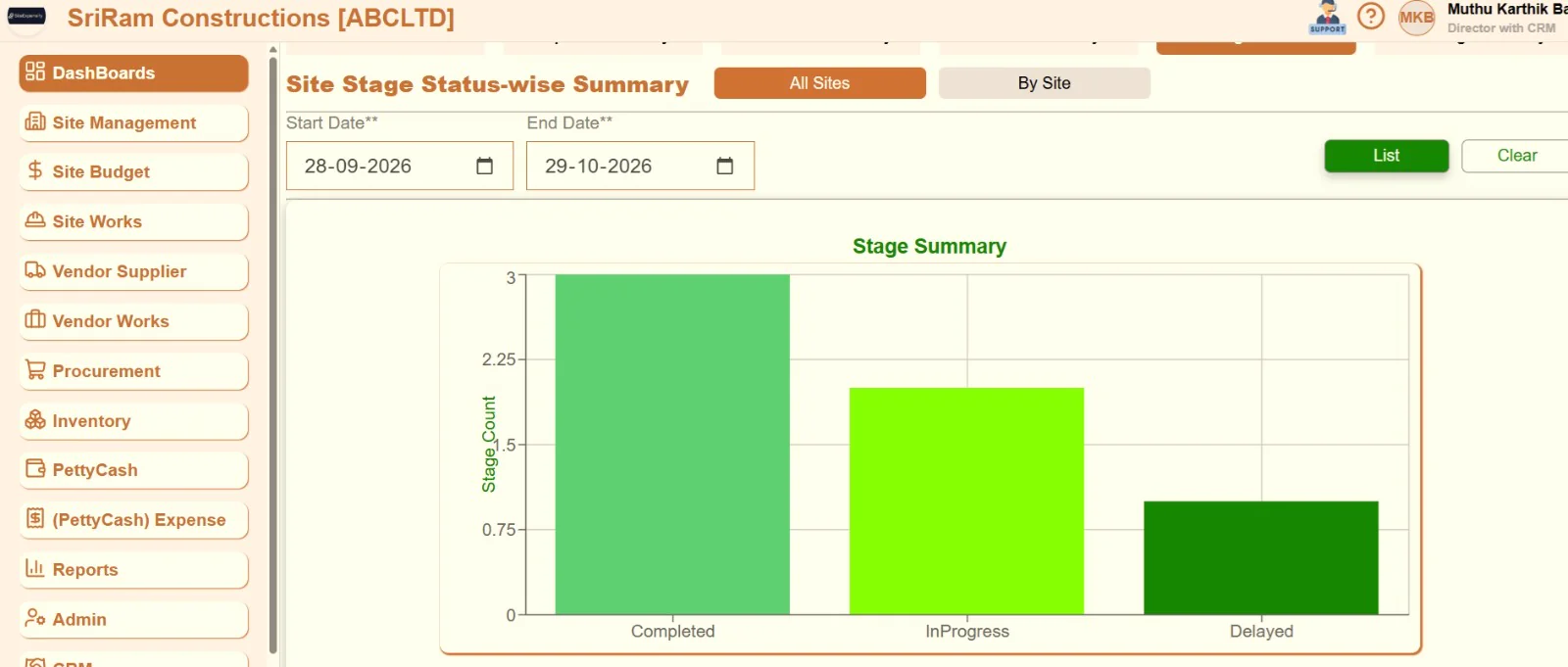
See the workflow and material availability of every project, with live updates from each site. Supervisors log the work done on site, and the office sees it right away.
Live Site Progress Tracking
Multi-Site Planning and Timeline Control
Expense & Financial Management Module
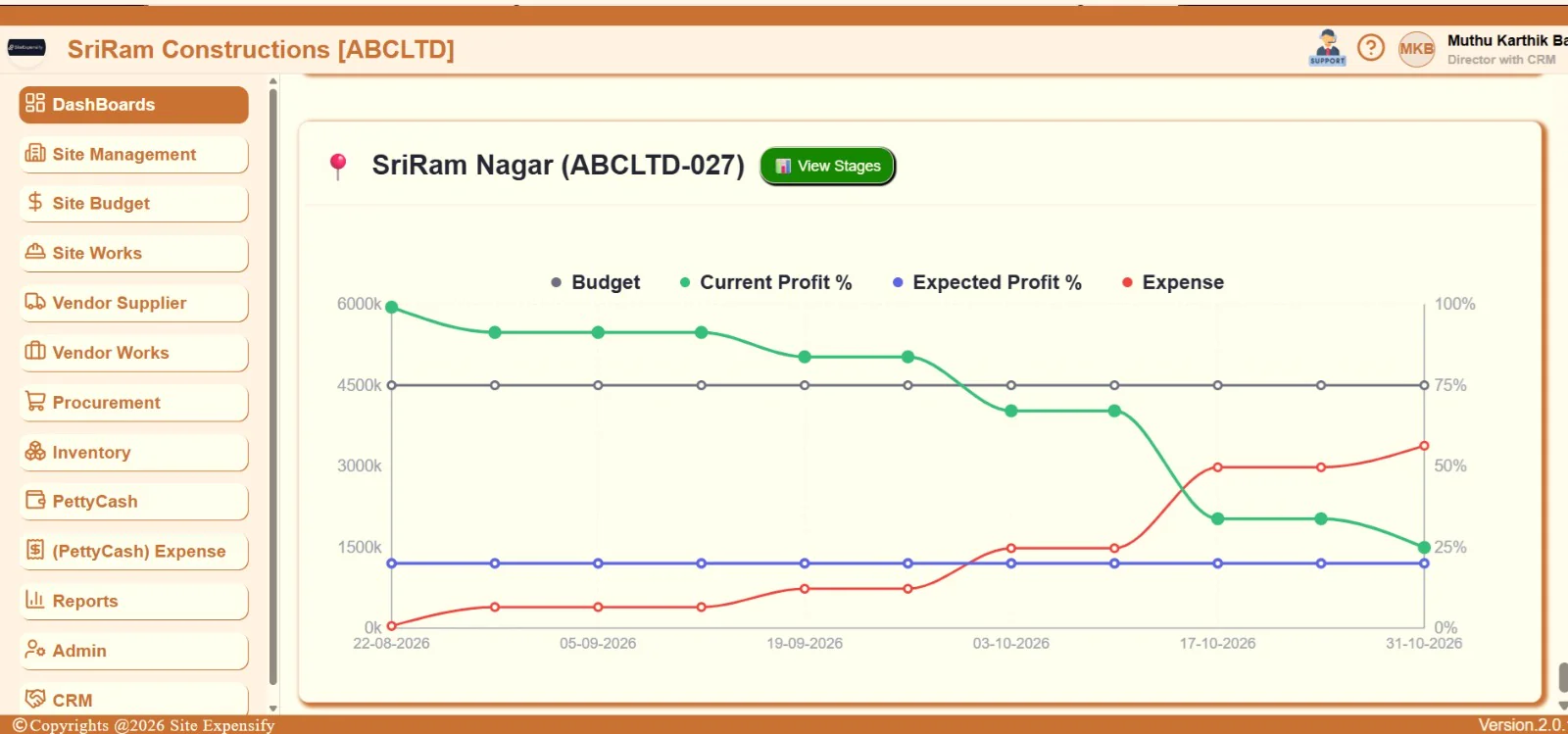
Track every dollar spent on site and see what each project really earns. Costs, budgets, and payments are kept together, so no entry gets missed.
Daily Site Expense Tracking
Budget vs Actual Comparison
Site-wise Profit & Loss
Construction Profit Calculation
Vendor Payables and Cash Flow
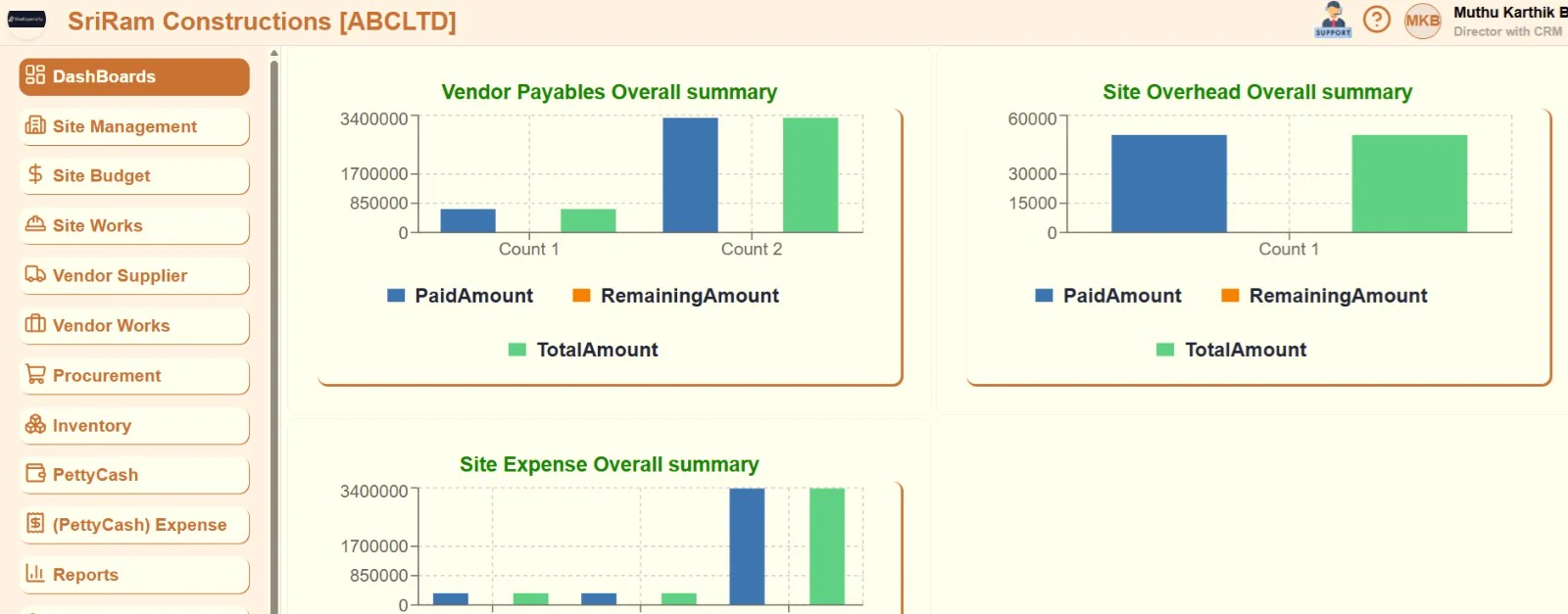
Procurement Management Module
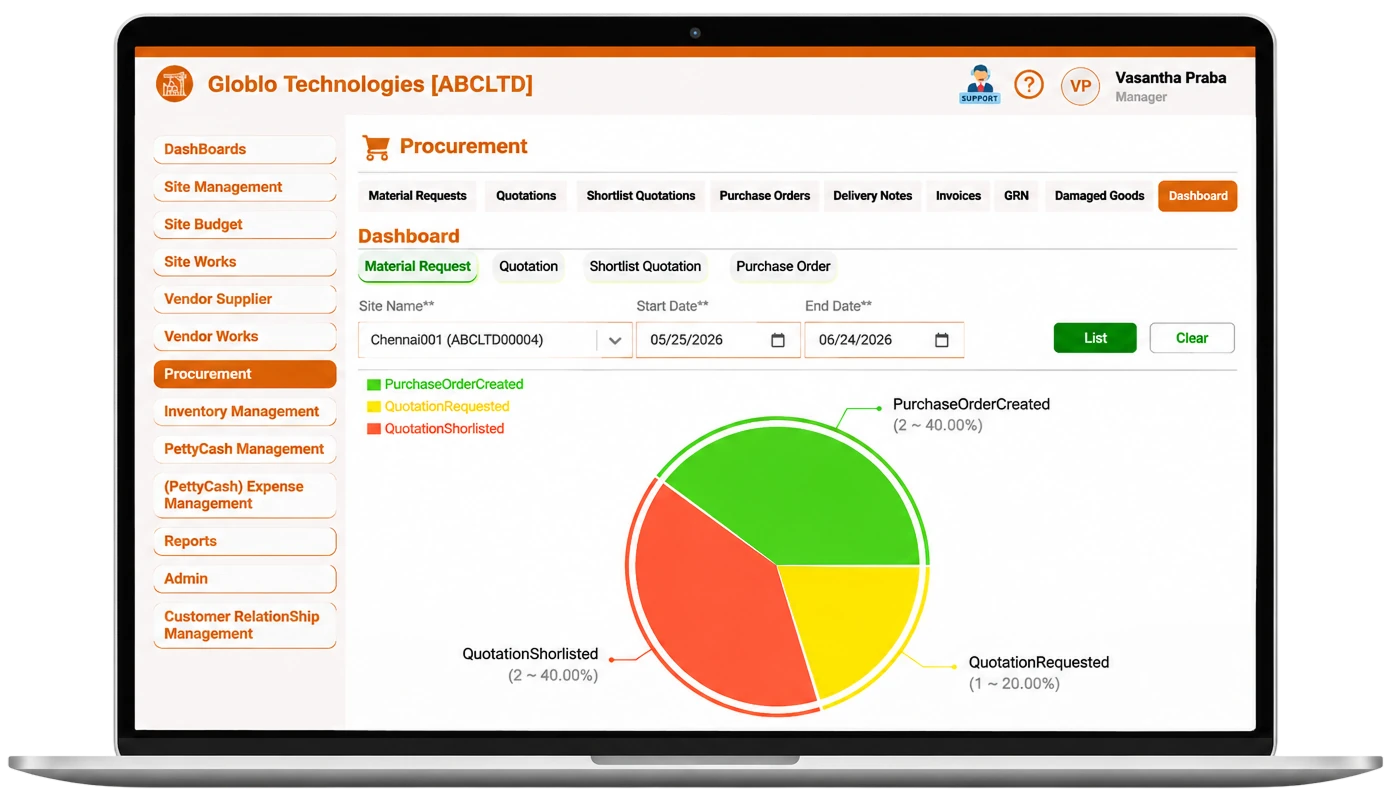
Turn material needs from the site into approved purchases without paperwork delays. Every request, approval, and order follows a single, clear flow.
Material Requests from Site
3-Role Purchase Order Approval
Vendor and Purchase Records
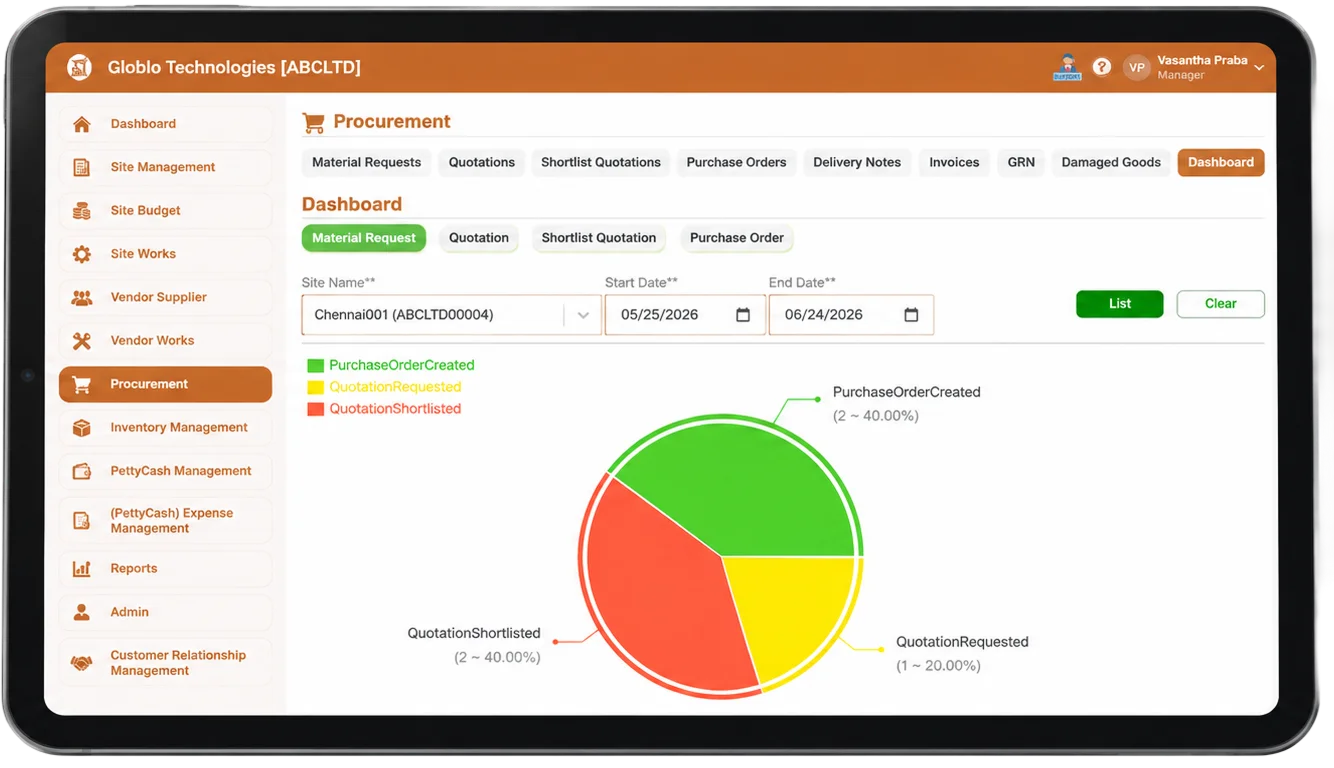
Inventory Management Module
Know what material you hold, where it is, and when it will run out. Stock stays accurate across every site, so work never waits for supplies.
Real-Time Stock Visibility
Material Receipts and Site Issues
Low-Stock Alerts
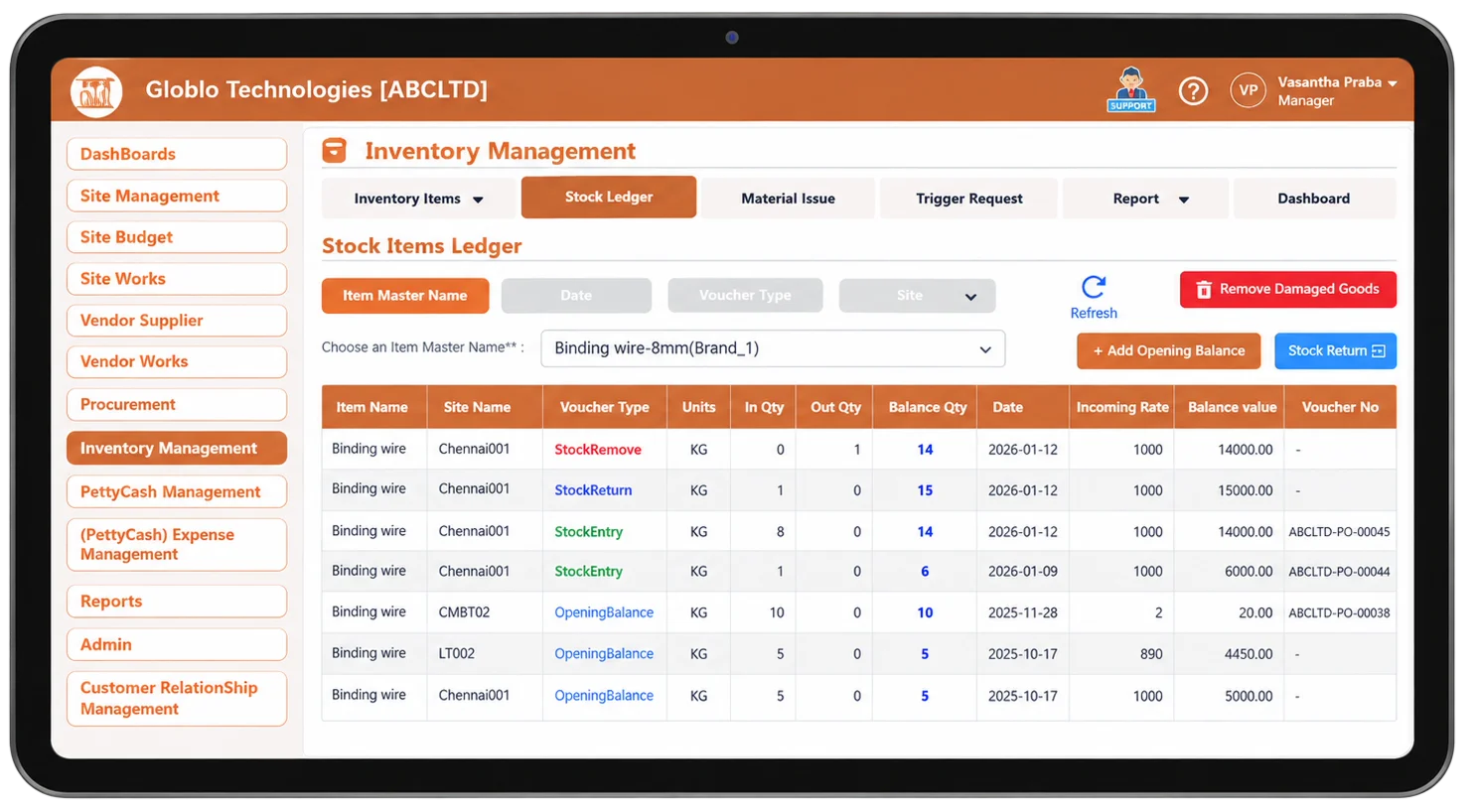
Workforce Management Module
Give each team member the information their job needs, and nothing more. Screens are simple to use, and sensitive business information stays secure.
Role-Based Access for Every Team Member
Site-Locked User Permissions
E-mail & Data Module
Keep all your communication and records together in one safe place. Messages reach the right people, and your data is protected every day.
Notifications and Communication
Centralized Records with Automated Daily Backups
Customer Management Module
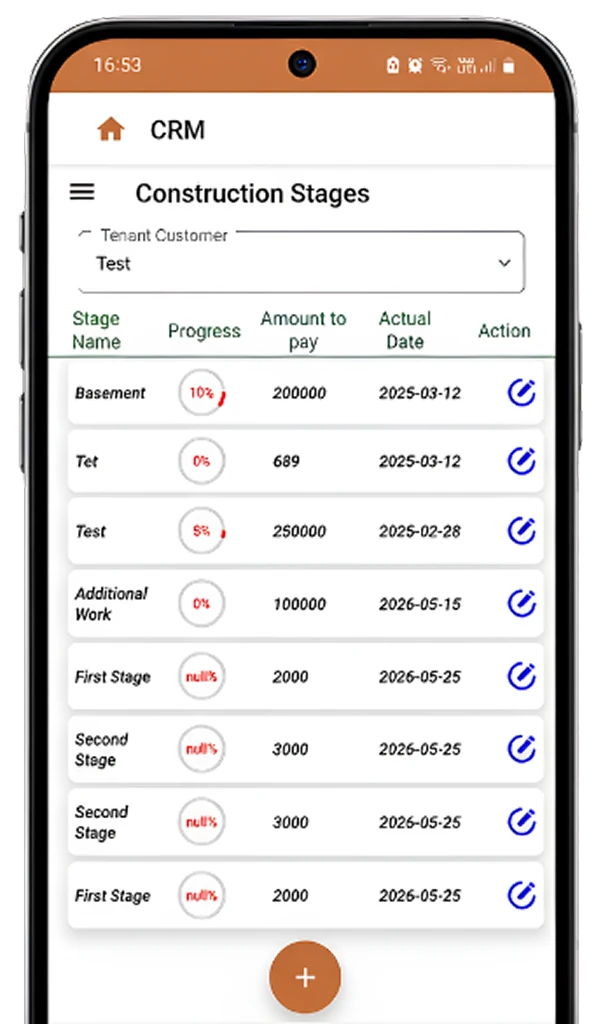
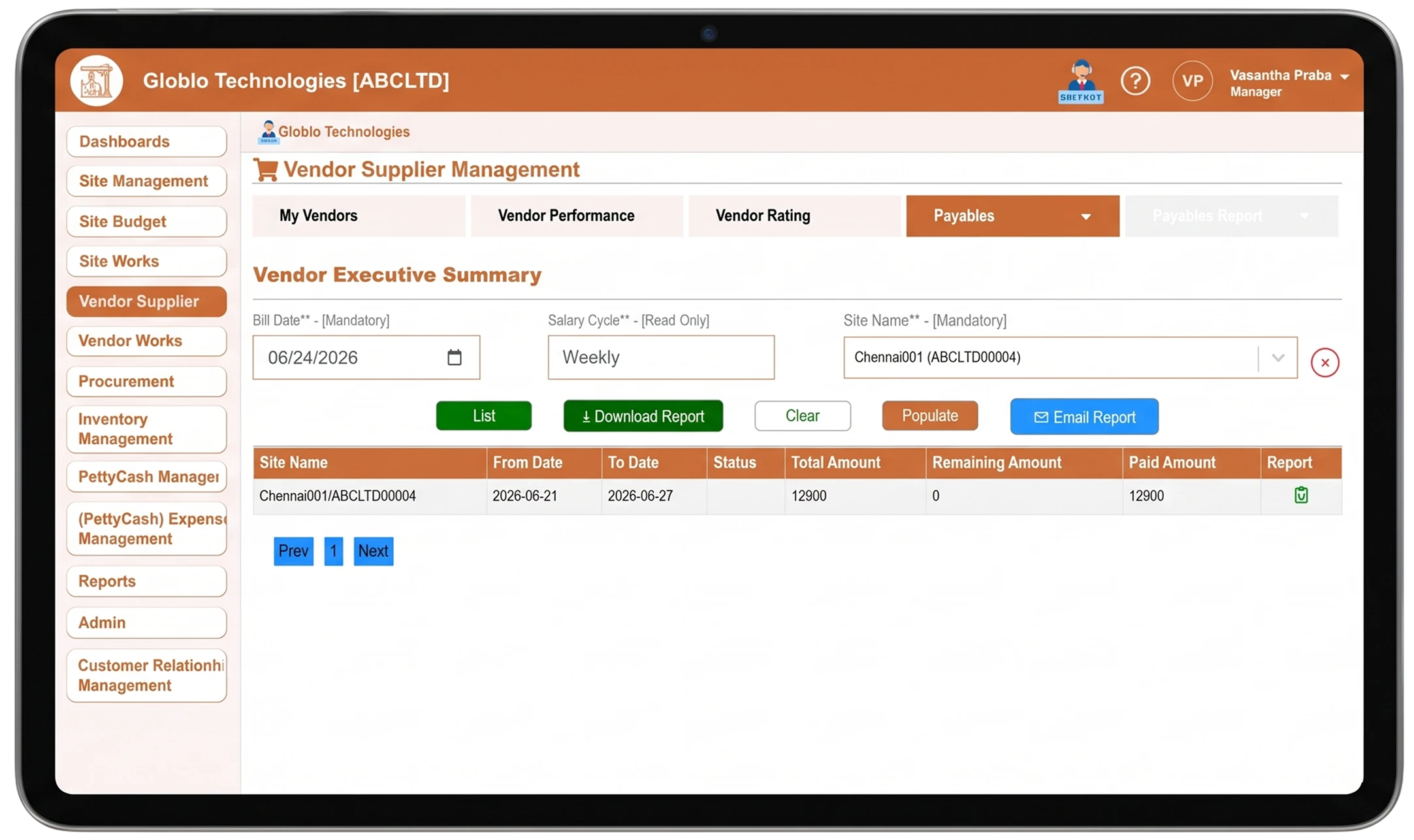
Track customer payments, conversations, follow-ups, and projects in a single application.
Customer Payment Management
Follow-ups Linked to Projects
Reports & Business Intelligence Module
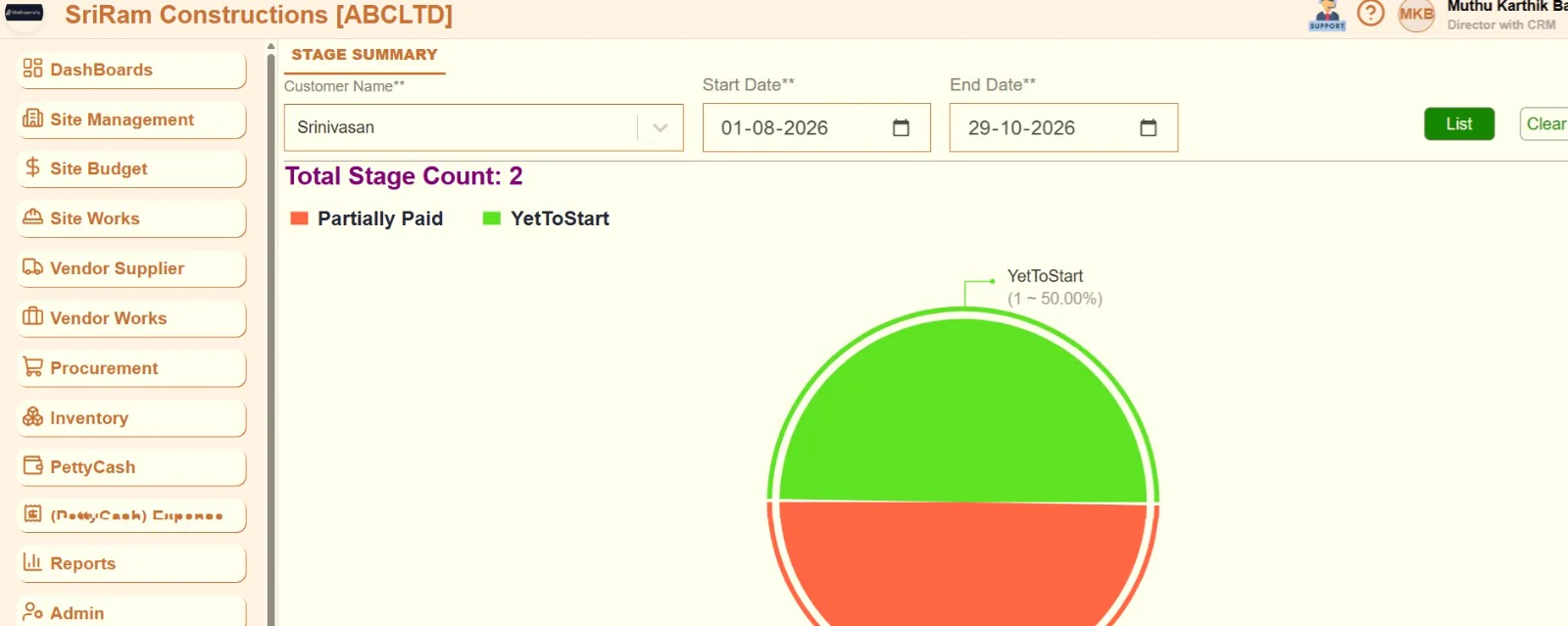
Turn everyday site data into clear reports you can act on. Whenever you need it, you get an accurate picture of costs, progress, and risks.
Financial Reports
Progress and Operational Reports
Insights for Better Decisions
Mobile App Module
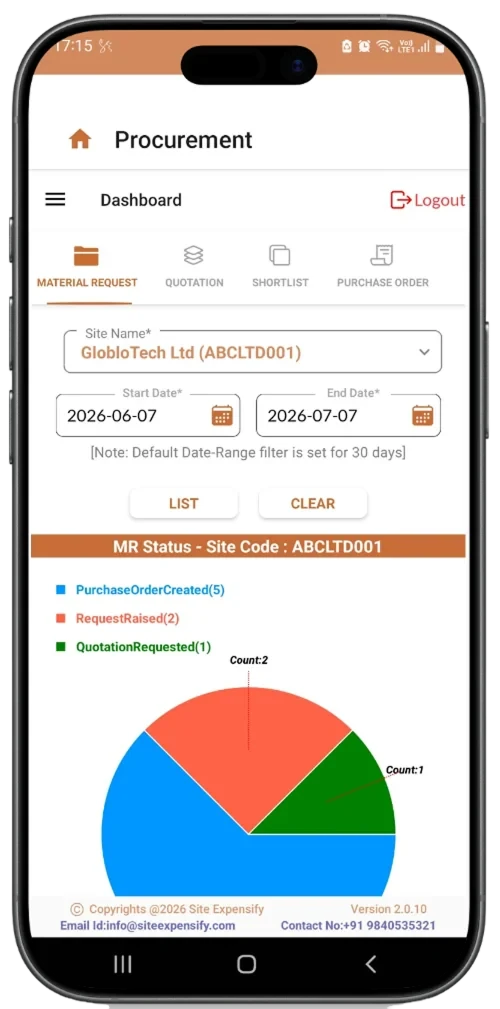
Run the site from your phone, where the work happens. Updates take just a few taps and reach the office quickly.
3-Tap Logging from the Site
Real-Time Sync with the Office
Executive Dashboard Module
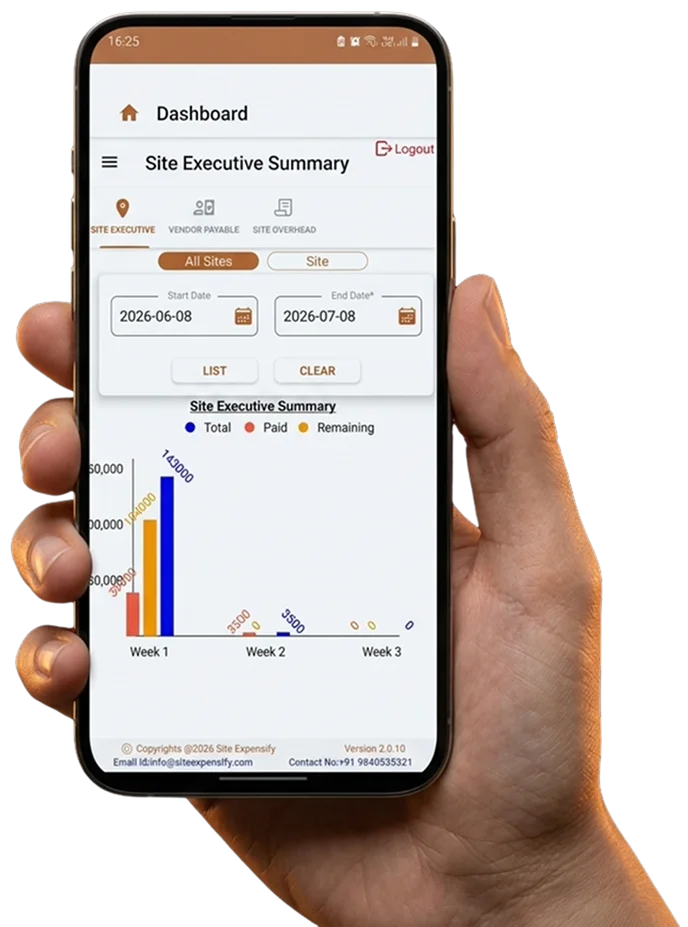
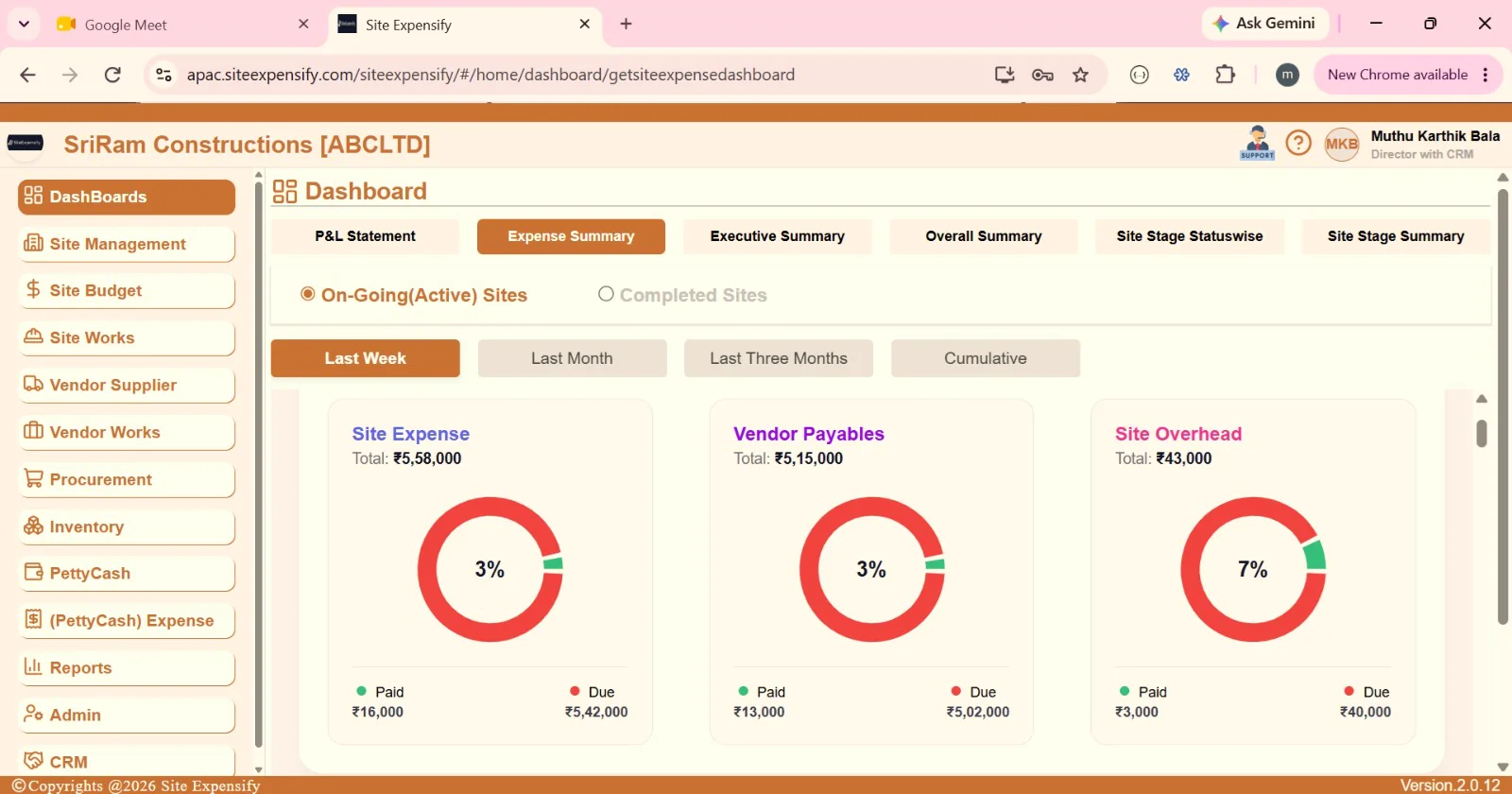
Watch every site and every key number in one view. Owners can quickly see how the business is doing.
One-Screen View of All Sites
Owner-Level Financial KPIs
How the Modules Work Together as One
Construction Management System

1. Site Request

2. Purchase Order Approval

3. Inventory Update

4. Expense Entry

5. Report Generation

6. Owner Dashboard View
Which Modules Does Each Team Member Use?
| Team Member & Department | What They Do at Site Expensify | Connected Active Modules |
|---|---|---|
|
Site Supervisor
Field Operations
|
Reports how much work got done each day, requests cement, steel, or other material before it runs out, and records the day’s spending from a phone. |
|
|
Purchase Officer
Sourcing & Vendors
|
Takes the requests sent from the sites, compares vendors, places the orders, and keeps supplier details up to date. |
|
|
Accountant
Finance & Audit
|
Follows payments made to vendors and received from customers, and uses those entries to prepare the financial statements. |
|
|
Project Manager
Project Delivery
|
Reviews how far each site has moved, compares planned cost with real spending, and acts quickly when work falls behind. |
|
|
Business Owner
Executive Leadership
|
Checks profit, cash balance, and the overall health of every site from one view, without waiting for someone’s update. |
Why Builders Choose Site Expensify Over Excel and Heavy Enterprise Tools
Spreadsheets break down once you have more than a couple of sites, and big enterprise software is often too heavy for site teams. Site Expensify falls between the two: simple enough for daily use, strong enough to run the business.
High Field Adoption
Instant Financial Clarity
Fixed Monthly Pricing, No Per-User Fees
Connected Material Workflows
Frequently Asked Questions About Construction Management Software
Clear answers to the most common questions builders and contractors ask about Site Expensify.
Book Your Free Demo of Our Construction Management Software
See how Site Expensify can bring your construction sites, spending, and stock under control. Book a free demo, and we will walk you through the modules that matter most to your business.